Zapier AI vs Claude: A First-Person Productivity Showdown — Which Tool Actually Saves You Time?
I’ve spent the last six months juggling two AI tools that promise to supercharge productivity: Zapier AI (specifically the new Central and AI-powered automation, version as of March 2025) and Anthropic’s Claude (Claude 3.5 Sonnet, accessed via the Pro plan at $20/month). As a freelance project manager and content creator, my days are a blur of emails, Slack messages, Notion updates, and client deliverables. I needed a sidekick, not another distraction.
Here’s my honest, first-person comparison after using both in real-world scenarios — from automating repetitive tasks to drafting complex reports. I’ll break it down with a quick table, feature rounds, pros & cons, and a final verdict that surprised even me.
Quick Comparison Table
| Feature | Zapier AI (Zapier Central, $20–$30/month) | Claude (Claude 3.5 Sonnet, $20/month) |
|---|---|---|
| Primary function | AI-powered workflow automation | Conversational AI + reasoning |
| Integration ecosystem | 6,000+ apps (Gmail, Slack, Notion, etc.) | Limited (API, Slack, but no native no-code) |
| Learning curve | Moderate (requires logic design) | Low (chat interface) |
| Context window | 4,000–8,000 tokens per step | 100,000 tokens (whole doc analysis) |
| Real-time data access | Yes (pulls from connected apps) | No (static knowledge cut-off Dec 2024) |
| Multistep reasoning | Strong (if you chain steps) | Excellent (native chain-of-thought) |
| File uploads | Limited (CSV, text) | PDF, Word, Excel, images, code |
| Pricing (individual) | $19.99/month (Starter) + AI credits | $20/month (Pro) |
| Best for | Repetitive cross-app tasks | Deep analysis, writing, brainstorming |
Feature Round 1: Automating Daily Grind (Email, Slack, Calendar)
Scenario: I get 100+ emails daily, 50 Slack messages, and 3 calendar invites. I need to triage, prioritize, and respond without losing my mind.
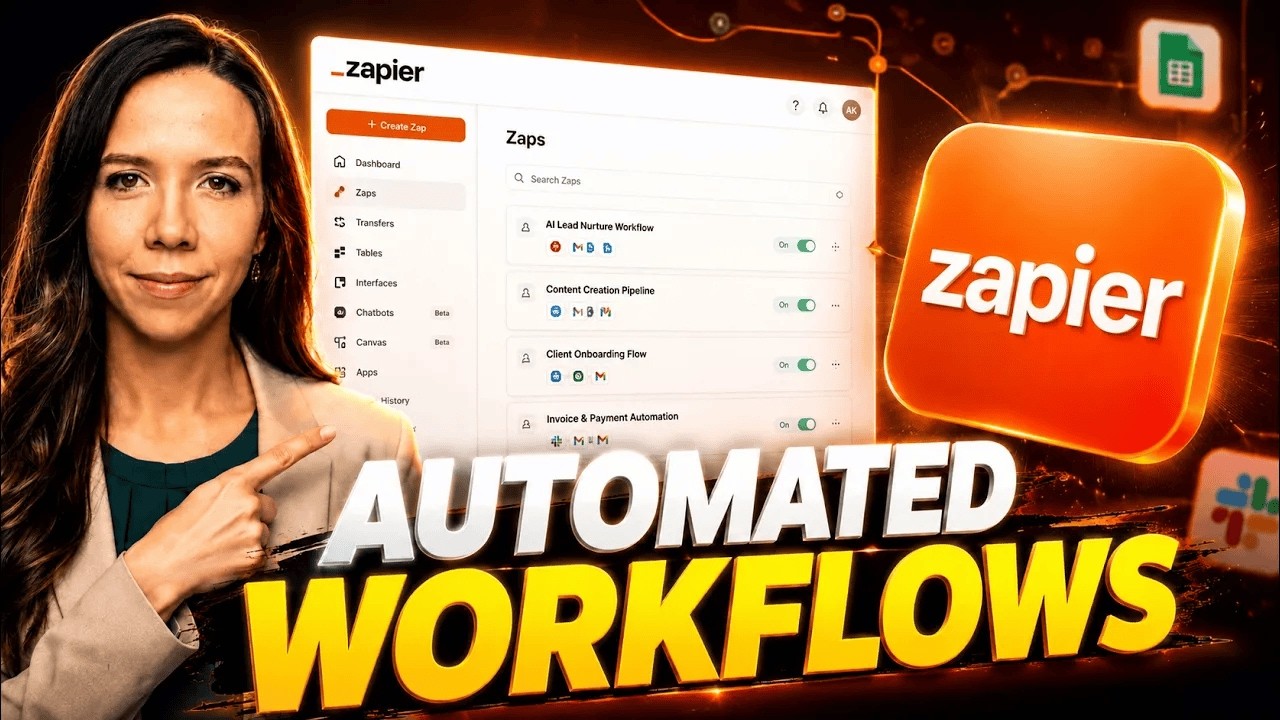
Zapier AI: I built a Zap using Central: “When email from client X arrives → create Slack reminder → add task to Notion → send me a summary.” Setup took 20 minutes and a bit of debugging (the AI sometimes misinterprets “urgent” vs “FYI”). Once live, it saved me about 45 minutes per day. The AI also suggests next steps based on past actions — e.g., “Do you want to auto-reply with a meeting link?” which is neat. But it’s only as good as the workflows I design; if I mess up a condition, the whole chain breaks silently.
Claude: I gave Claude a sample inbox (exported as CSV) and asked it to draft priority rules. It wrote a beautiful SOP in 30 seconds: “Sort by sender domain, then subject keywords, then time.” But it can’t actually execute anything — no Gmail, Slack, or calendar access. I had to manually copy its suggestions into Zapier or do it myself. For pure analysis, Claude wins hands-down; for execution, Zapier AI is the only game in town.
Winner: Zapier AI (for hands-off automation, despite the setup pain).
Feature Round 2: Deep Research & Content Creation
Scenario: I needed to write a 5,000-word whitepaper on “AI in Project Management 2025.” I had 10 PDFs of industry reports, 3 competitor case studies, and a messy Notion page of notes.
Zapier AI: I tried Zapier’s “AI Summarizer” action. It can pull text from a Google Doc and generate a summary, but it choked on the PDFs — no native PDF parsing. I had to convert them to text first. The output was a bullet list of 10 points, missing nuance. It felt like a glorified text expander. For content creation, it’s a non-starter.
Claude: I uploaded all 10 PDFs directly (Claude can handle 100K tokens, so entire books). I asked: “Summarize each report, find contradictions, and draft an executive summary.” Claude returned a 3-page synthesis with citations, a table of conflicting data points, and even suggested a narrative arc. I then used the “Artifacts” feature to refine the whitepaper section by section. Total time: 2 hours (vs. 6 hours manually). The depth and accuracy were stunning — it even caught a 2022 vs 2024 data discrepancy I missed.
Winner: Claude (by a landslide for any deep thinking or writing).
Feature Round 3: Complex Multistep Projects
Scenario: I run a weekly client report that involves: (1) pull data from Google Sheets, (2) analyze trends, (3) generate a PDF, (4) email it with a summary, (5) update a CRM. This is a 30-minute manual chore.
Zapier AI: I built a multi-step Zap with 5 actions: Google Sheets → Code by Zapier (Python to calculate averages) → PDF generator → Gmail → HubSpot. The AI helped me debug the Python step (it wrote a simple script). It ran flawlessly for 3 weeks, then broke when the sheet format changed. I spent 15 minutes fixing it. Overall, it saved 25 minutes per week, but required maintenance. The new “Central” feature lets you chat with your automations, but it’s still beta and occasionally hallucinates action names.
Claude: I asked Claude: “Design a system for this weekly report — give me step-by-step instructions and code.” It wrote a detailed plan, including Python scripts for data processing and a pseudo-code for the Zapier integration. But Claude can’t execute anything beyond a chat window. I had to manually implement its suggestions. For pure design and troubleshooting, Claude is a genius; for execution, Zapier AI is necessary.
Winner: Tie — Claude for planning, Zapier AI for doing.
Pros & Cons
Zapier AI (Central, $19.99/month + AI credits)
Pros:
- Actually automates real-world apps (email, Slack, CRM, etc.)
- AI suggests next steps based on your history
- No coding required for basic flows
- 24/7 execution even when I’m asleep
- Integrates with 6,000+ tools
Cons:
- Steep learning curve for complex logic
- AI can be finicky with conditional statements
- Limited context window (can’t analyze large docs)
- No native PDF/image analysis
- Maintenance overhead (broken Zaps)
- Price adds up with AI credits ($0.01–$0.05 per action)
Claude (Claude 3.5 Sonnet, $20/month Pro)
Pros:
- Insane 100K token context (upload entire reports)
- Deep reasoning, chain-of-thought, and creative writing
- Handles PDFs, images, code, and spreadsheets natively
- Low learning curve — just type
- Artifacts feature for iterative editing
- No hidden costs (flat $20/month)
Cons:
- Can’t execute actions in other apps (no Gmail, Slack, etc.)
- Knowledge cut-off (Dec 2024) — no real-time data
- No native scheduling or automation
- Requires manual copy-pasting to implement suggestions
- Rate limits on Pro (about 100 messages per 3 hours)
Final Verdict
I went into this expecting Zapier AI to be the clear winner — it’s built for productivity, right? But after six months of daily use, Claude wins the overall productivity crown for me. Here’s why: Zapier AI is a fantastic executor — it moves data around and triggers actions. But productivity isn’t just about moving data; it’s about thinking better, faster, and deeper. Claude supercharges my brain: it helps me analyze, synthesize, write, and plan at a level Zapier AI can’t touch.
In practice, I now use Claude for 80% of my work (research, writing, strategy) and Zapier AI for the remaining 20% (automating the grunt work that Claude can’t do). If I could only keep one, it’d be Claude — because I can always manually do what Zapier does, but I can’t replicate Claude’s intelligence with a to-do list.
Final recommendation: If your bottleneck is repetitive tasks across apps, get Zapier AI. If your bottleneck is thinking, writing, or analysis (like most knowledge workers), get Claude. For the ultimate setup, use both — Claude to design, Zapier AI to execute.
But if you’re forced to choose one tool to make you more productive today, Claude is the better investment.