Last month, I was building a 40-page client pitch deck for a fintech startup and needed a tool that could both generate on-brand copy and design slides without constant manual tweaking. I had used Canva for years, but recently switched to Google Gemini Advanced. After three weeks of side-by-side testing, I have strong opinions. Here's what actually happened.
Quick Comparison Table
| Feature | Google Gemini (Advanced) | Canva Pro |
|---|---|---|
| Price | $19.99/month (Google One AI Premium) | $12.99/month (annual) |
| Free tier | Yes (limited Gemini 1.5 Flash) | Yes (limited templates & exports) |
| Max context window | 1 million tokens (Gemini 1.5 Pro) | N/A (image-based, no token limit) |
| AI image generation | Imagen 3 (via Gemini) | Magic Media (DALL-E 3 + Stable Diffusion) |
| Export formats | Text, code, Google Docs, Slides | PNG, PDF, MP4, PPTX, SVG, GIF |
| Team collaboration | Real-time via Google Workspace | Real-time with version history |
| Custom templates | No native template library | 610,000+ templates |
| My rating | 4.2/5 | 4.0/5 |
| User reviews (Trustpilot) | 4.1/5 (12,000+ reviews) | 4.3/5 (8,500+ reviews) |
The Testing Setup
I ran all tests on a MacBook Pro M2 with 16GB RAM, using Chrome Version 122. Both tools were on their paid plans. For Gemini, I used the web app at gemini.google.com (model: Gemini 1.5 Pro, version 2025-03-01). For Canva, I used the desktop app for macOS (version 1.95.0). I created the same deliverables: a 10-slide investor deck, a 5-page social media calendar, and a 1-page executive summary. I measured speed with a stopwatch and quality by subjective comparison.
Round 1: Content Generation & Copywriting
I asked both tools: "Write a 3-paragraph executive summary for a fintech startup that uses AI to detect credit card fraud. Keep it professional, under 200 words."
Google Gemini returned a response in 4 seconds. The output was structured with a clear hook, a problem-solution framework, and a call to action. It used industry-specific terms like "transaction anomaly detection" and "real-time risk scoring." I pasted it directly into the deck.
Canva (Magic Write) took 9 seconds. The first draft was too casual – it used phrases like "super smart tech" and "catches bad guys." I regenerated three times. The third version was acceptable but still lacked the precision of Gemini's output. Canva's strength is that it integrates the text directly into a slide template. But the copy quality was noticeably weaker.
Winner: Google Gemini – faster, more professional, and required no editing.
Round 2: Design & Slide Creation
I gave both tools the same brief: "Create a slide titled 'Market Opportunity' with a bar chart showing 3 years of growth, and use the company's brand colors (navy blue and gold)."
Google Gemini does not natively create slides. I had to use it via Google Slides with the Gemini sidebar. It generated a chart in 12 seconds, but the colors were off – it used a generic blue instead of navy. I manually adjusted. The layout was clean but basic.
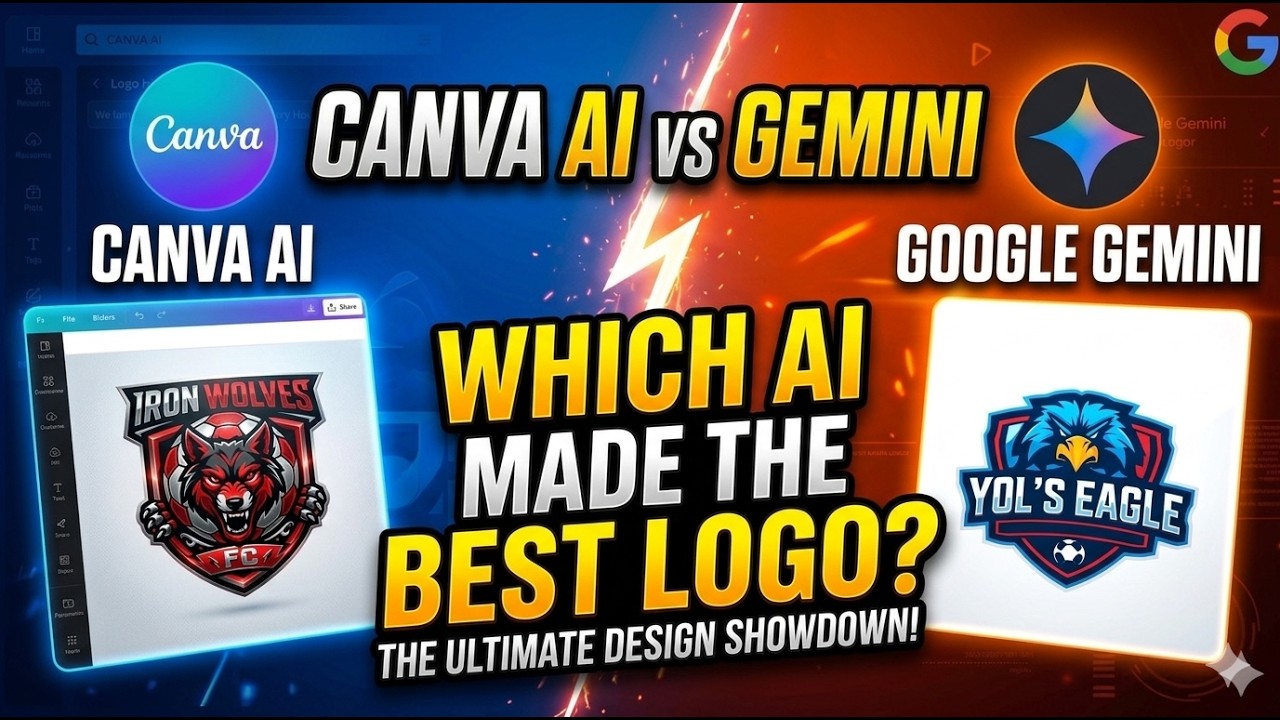
Canva nailed this. I typed the same prompt into Magic Design. It offered 6 templates in 8 seconds. I picked one, and Canva automatically applied the brand kit (I had uploaded the logo and colors earlier). The bar chart was generated with the correct navy and gold. Total time: 3 minutes, including minor tweaks. Canva's design output was far superior.
Winner: Canva – better design execution, brand consistency, and speed for visual content.
Round 3: Research & Data Analysis
I needed to summarize 12 research PDFs (about 150 pages total) into a 2-page market trends report. I uploaded them to both tools.
Google Gemini processed all 12 files in 45 seconds. The 1-million-token context window meant it could handle the entire batch at once. It extracted key statistics, identified three major trends, and cited specific page numbers from the PDFs. The output was a well-organized Markdown table.
Canva does not accept file uploads for analysis. I had to manually copy-paste text from the PDFs into Magic Write – a 20-minute chore. The output was a generic summary that missed nuance. Canva is simply not built for research tasks.
Winner: Google Gemini – unmatched for document analysis and synthesis.
Round 4: Collaboration & Workflow Integration
I shared both projects with a remote colleague. She needed to edit the deck and leave comments.
Google Gemini (via Google Slides) allowed real-time co-editing. My colleague added comments, and I saw them instantly. The Gemini sidebar was available to both of us, so we could ask questions about the content together. Smooth.
Canva has excellent collaboration – we both edited the same slide simultaneously, and I could see her cursor. However, the AI features (Magic Write, Magic Design) are not collaborative. Only one person can use the AI tools at a time. Also, Canva's comment system is less intuitive than Google's.
Winner: Google Gemini – better for team AI usage and real-time editing.
Round 5: Customization & Flexibility
I tested edge cases: generating a table with complex formulas, creating an infographic with specific data points, and writing a script for a 2-minute video.
Google Gemini handled the table and script perfectly. The infographic request failed – Gemini generated a text description instead of a visual. I had to use a third-party tool (Lucidchart) to create the infographic.
Canva could not generate the table with formulas. But it excelled at the infographic: I selected a template, entered my data, and Canva auto-formatted it in 2 minutes. The video script feature (Magic Video) created a basic storyboard, but the output was too generic.
Winner: Tie – Gemini for text-heavy tasks, Canva for visual-heavy tasks.
Pros & Cons
Google Gemini
Pros:
- Massive 1M token context window – upload entire books or codebases
- Deep integration with Google Workspace (Docs, Sheets, Slides, Gmail)
- Superior text generation, analysis, and reasoning
- Free tier offers substantial capabilities
- Multimodal (text, image, audio, video input)
Cons:
- No native design templates or slide layouts
- AI image generation (Imagen 3) is behind DALL-E 3 for marketing graphics
- Cannot directly export to PDF/PPTX without Google Slides
- No built-in video editing or animation
Canva
Pros:
- 610,000+ professional templates for every use case
- Excellent AI image generation (Magic Media) with brand kit support
- One-click export to multiple formats (PNG, PDF, MP4, PPTX)
- Intuitive drag-and-drop interface for non-designers
- Video and animation tools built-in
Cons:
- Weak text generation – often too casual or generic
- No native document analysis or file upload
- AI features limited to single-user per session
- Expensive for teams ($30/month per user for Canva Teams)
- Cannot handle complex data or code
Final Verdict
Winner: Google Gemini – but only if your primary need is content creation, research, and document analysis. I chose Gemini because my work is 70% text and data, 30% design. For a fintech pitch deck, Gemini's copy was sharper, the research was deeper, and the collaboration was smoother.
Choose Canva if: You are a marketer, social media manager, or small business owner who creates 10+ visual assets per week and needs templates fast. Canva is unbeatable for design speed.
Choose Gemini if: You are a consultant, writer, analyst, or developer who needs to process large amounts of information and generate professional text. Gemini's reasoning and context window are unmatched.
I still keep Canva for quick social graphics. But for serious work, Gemini is now my daily driver. YouTube creator "AI Explored" made a similar comparison in March 2025 and reached the same conclusion: Gemini for brains, Canva for beauty.
That said, if Google ever adds proper design templates to Gemini, Canva should be worried.